See Your Infrastructure and Understand What Matters
Powered by Sensors – Simulated by CFD – Optimized by AI

See Your Infrastructure and Understand What Matters
Powered by Sensors – Simulated by CFD – Optimized by AI
What Happens in your Server Room?
Pick a problem and watch it play out: the sensors catch it, your team gets the alert, the camera shows it, and you know what to do.

Each one plays out in four steps: the sensors detect it, your team gets the alert, the camera shows what happened, and what to do next. Tap any numbered point on the site to see what it monitors.
{{sc.title}}
One Connected Monitoring System
Measure with sensors. Connect with sensorProbe+ units. Monitor with Quicklime.
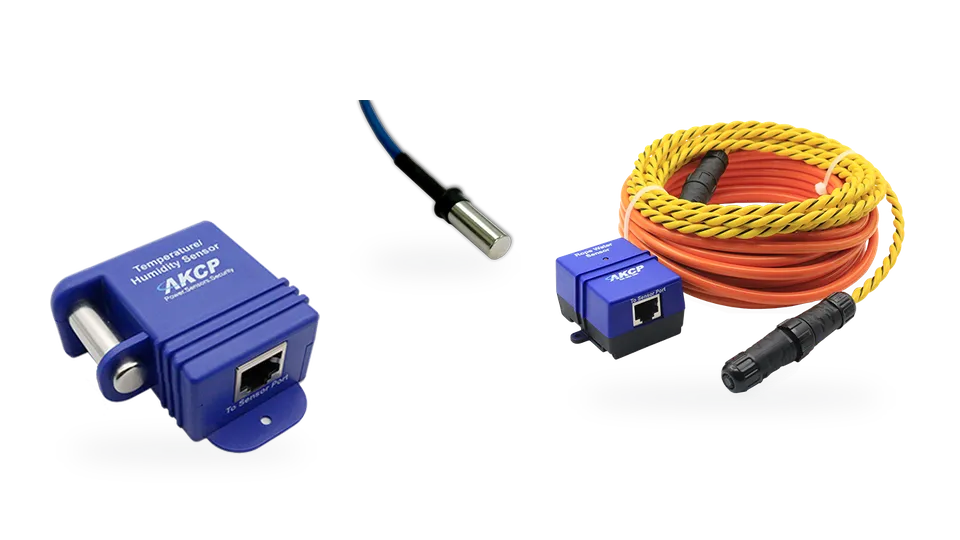
1. Sensors
Wide range of sensors. Measure temperature, humidity, water leaks and power.
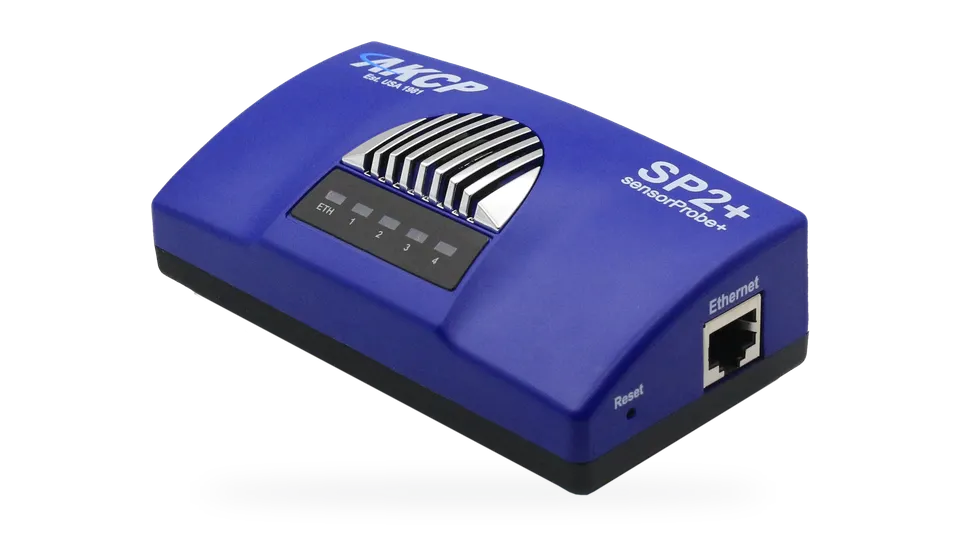
2. Base Units
Connect sensors through sensorProbe+ or sensorProbe+ wireless gateways.
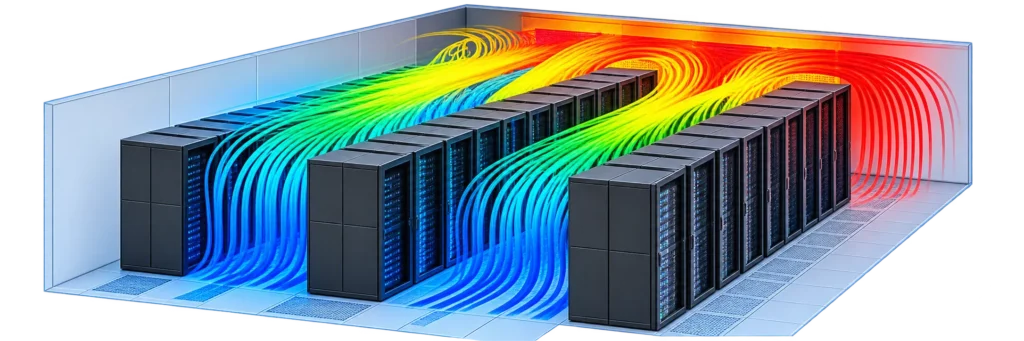
Optional Cooling Analysis
Go Further with sensorCFD
Investigate airflow, identify thermal risks and evaluate cooling improvements.
What do you need to monitor?


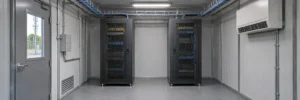
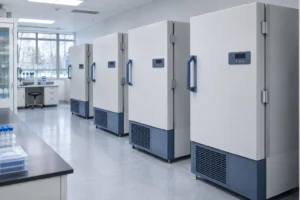
AKCP Monitors Subic Bay Port Authority Radar Stations

AKCP Monitors Data Center Cooling Efficiency at Canadian University

AKCP Supply Wireless Temperature Monitoring System for Hemostat Laboratories.

AKCP Monitors Server Rooms for England and Wales Cricket Board

Turnua merges Microsoft Azure and AKCP sensors for Remote Monitoring Solutions for Critical Infrastructure

Temperature Monitoring CT Scan Rooms: Metropolitan Hospital Nairobi, Distributed by B.S.A

AKCP Adds Microsoft Azure Cloud Compatibility for Lufthansa Technik

AKCP Monitors NourNet Data Centers

Environmental Monitoring and Data Center Visibility
AKCP brings together sensors, network-connected monitoring units and software to help you understand conditions across your critical infrastructure. Monitor temperature, humidity, airflow, water leaks, power and physical access, with a system configured around the measurements your site needs.
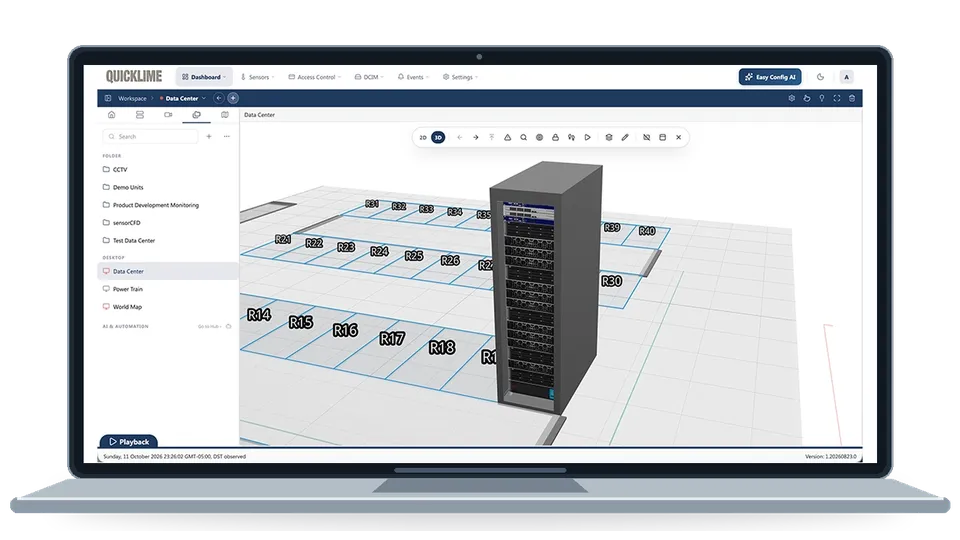
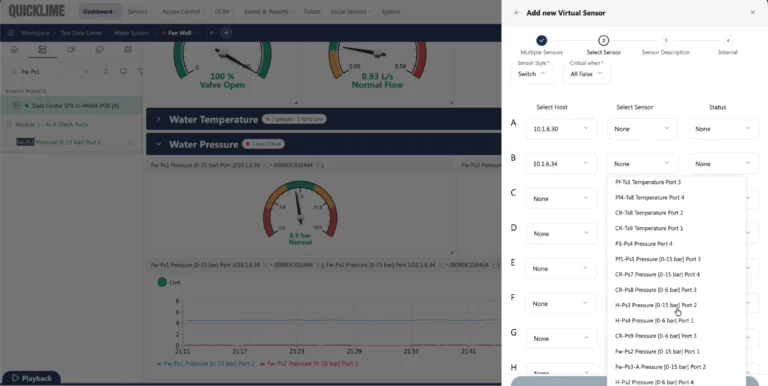
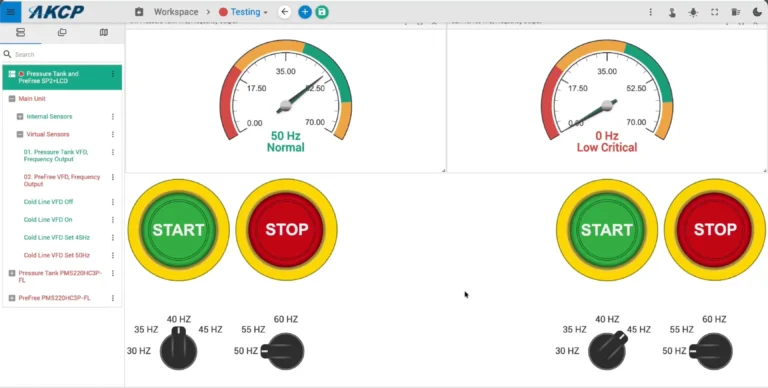
Sensors collect information where it matters. Monitoring units connect those sensors to your network and provide alerts when conditions move outside your configured limits. Quicklime brings information from connected systems together, helping your team review readings, follow trends and investigate events across rooms and sites.
From monitoring to cooling analysis
For data centers that need deeper thermal analysis, sensorCFD uses measured conditions to inform airflow and temperature modeling. Investigate hotspots, recirculation and uneven cooling, and evaluate potential improvements before making operational changes.
Begin with the monitoring you need today. Explore AKCP sensors and monitoring units, learn how Quicklime fits your installation, or use the rack monitoring planner to develop an initial system configuration.
Stop guessing. Start optimizing.