

Five Contact Inputs
Use one sensor port RJ45 for 5 dry contact inputs

Monitor Status
Monitor status of a contact input remotely with alerts

Base Unit Powered
powered by the sensorProbe+ base unit, no external power needed

Monitoring Alerts
Receive alerts through the sensorProbe+ base unit
Turn contact changes into useful alarms
Know when equipment changes state
Monitor status signals from devices you already have
UPS Status
Monitor reported state of a UPS output. The available signals depend on the equipment.
Security Systems
Monitor an open or closed contact and define its normal state in software.
Air-Conditioning Status
Bring suitable cooling-equipment status contacts into the same monitoring system.
How It Works
From a contact change to an alert
The monitoring unit connects the 5 dry contact sensor to your network
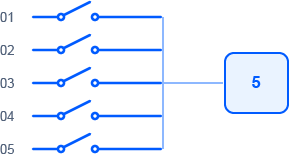
1. Equipment Contacts
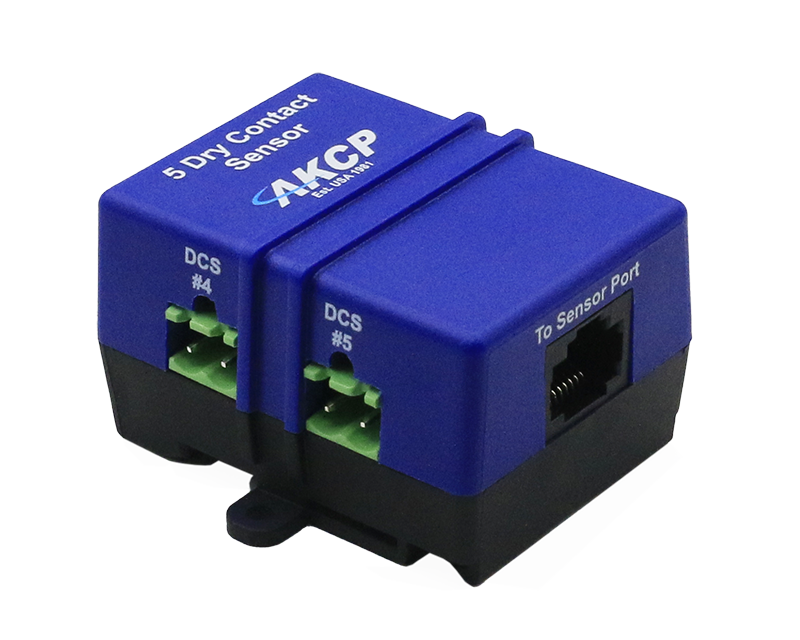
2. 5DCS Sensor Input
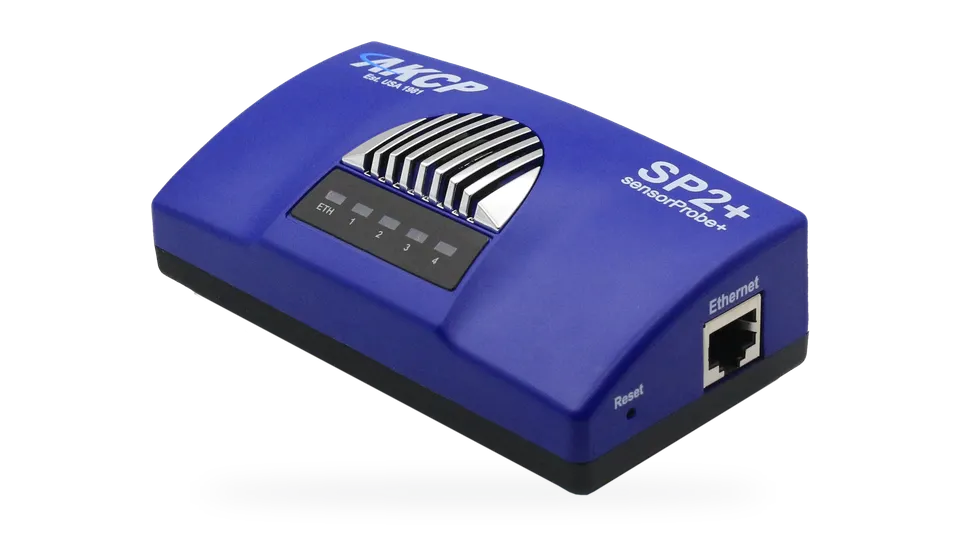
3. Monitoring Unit
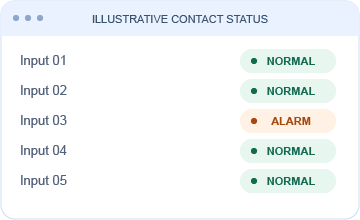
4. View & Receive Alerts
 Input only. Do not connect external voltage source
These contacts are not isolated. For sensor port I/O capability use the single dry contact cable, or the I/O DC8
The single port RJ-45 Dry Contact Sensor with an ALARM/NORMAL indication in the software. Up to four on an SP2+ with relevant per port license. Dry contact sensors are user definable and can be used to detect many different inputs such as UPS status, security systems, air conditioning status. SNMP interface for alarm/normal status. SNMP traps can be sent when the sensor is in a critical state. SNMP polling is possible via SNMPget. Web browser interface is available. When an alarm condition is activated the description and location of the fault can be sent via an email or SNMP trap.
| Measurement Range | Alarm or Normal |
| Sensor Type | Open / Closed contact switch (input only) |
| Contact voltage range | 5 volts pulled-up dry contacts* |
| Measurement Rate | Multiple readings every second |
| Normal input state is settable under software | |
| Interface | |
| Communications Cable | RJ-45 jack to sensor using UTP Cat 5 wire |
| Communications Cable Max. length | 1000 Ft (305m) with approved low capacitance shielded cable or UTP |
| Power Source | Powered by the controller unit. No additional power needed |
| Dimensions | 56 x 55 x 33.3 mm |
| Mounting | DIN rail mounting Screw mounting |
| Up to 5 dry contact inputs per RJ-45 | |
| – making up to 10 Dry Contact Inputs in sensorProbe2 | |
| – making up to 20 Dry Contact Inputs in sensorProbe2+ | |
| Important Note | Dry Contacts are not isolated, don’t connect any voltage source |
| Sensor count | 5 |