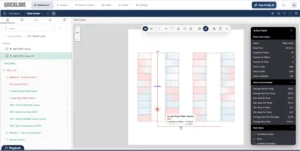
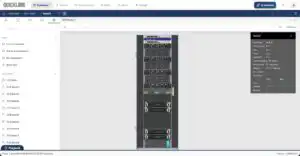
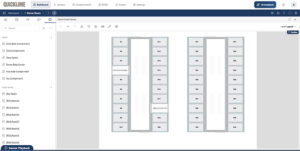
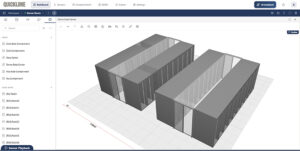
At AKCP, we built Quicklime DCIM to eliminate guesswork. To ensure your AI-driven sensorCFD™ and environmental analytics operate on razor-sharp physical facts, Quicklime allows you to build, animate, and deploy highly specific custom assets directly into your 3D floor plan. Watch the full engineering tutorial below, and read on for a step-by-step breakdown of how to customize your racks.
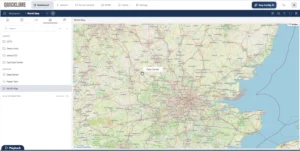
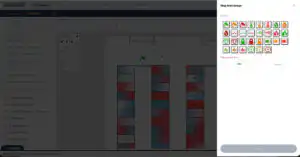
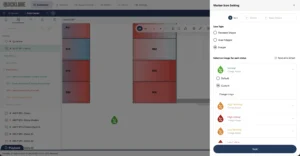
Visualizing your data center infrastructure shouldn't feel like looking at a generic blueprint. When monitoring critical environments, clarity is everything. The faster you can identify a specific rack, sensor, or cooling unit on your map, the faster you can respond to potential issues. That is why the mapping feature in AKCP Quicklime DCIM is built for flexibility—including the ability to upload and implement your own custom icons.
In this video tutorial we will take a look at how to install and do the initial setup of Quicklime on Windows Operating System.
In this video we will look at how you can easily edit your data center floorplan and digital twin in Quicklime DCIM. Move or re-assign racks, add cooling units and rotate equipment.
With AKCP Quicklime DCIM you can quickly and easily build your data center digital twin. Using built in drawing tools and the data center wizard simply enter your room dimensions, number of rows, racks, containment type and let us do the hard work for you.
In this short video tutorial for AKCP's Quicklime Sensor Monitoring Software we look at how to add an IP camera via its RTSP video stream. With video cameras in Quicklime you can synchronize the video feed with sensor data, record and playback sensor and video events, use as authentication for access control, and create custom prompts for video AI actions.
How to setup an SMS Action in AKCP Quicklime DCIM sensor monitoring platform. Recieve notifications when sensors breach thresholds. Centralize the management and alerts for all your sensorProbe+ through a single gateway modem.
In this video we look at Quicklime DCIM sensor management platform, how to display sensor data, create desktops and utilize the homescreen summary.
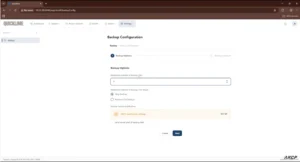
How to use probe manager in Quicklime to manage your sensorProbe+ devices. Update firmware, download and manage schedules for backups.
With easy config AI, leverage the power of AI to setup and manage Quicklime DCIM. There is no need to learn the manual and what every button does. Interact with the software through a natural language interface to configure desktops, alerts and more.

Schedule a Demo With Us

Find out how we can Protect, Monitor and Optimize your Data Center

Interested in our FREE Data Center PUE check?

Contact us below and schedule a 15 minute consultation

Thank you for your submission!

One of our team members will reach out within 24 hours.