
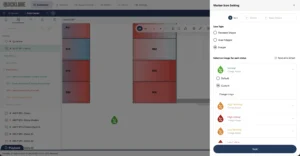
Adding Custom Map Icons in AKCP Quicklime
When your Network Operations Center (NOC) team is staring at a data center floorplan during a critical alert, every second counts. Standardized icons for sensors, cameras, and racks are great, but sometimes your organization has its own established visual language.
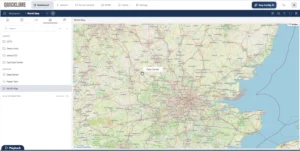
From the World to the Rack: Multi-Level Mapping in AKCP Quicklime
When you are managing distributed infrastructure across multiple cities or countries, a simple spreadsheet of IP addresses isn’t going to cut it. You need to see exactly where an alarm is triggering, whether it’s a cooling failure in your London facility or a tripped breaker in Tokyo.
AKCP’s Quicklime DCIM allows you to build an intuitive, hierarchical map system. Instead of scrolling through endless text logs, you can literally click on a map of the world, zoom into a specific building, open the floorplan, and look at the exact rack that is reporting a problem. In this tutorial video, we demonstrate how to set up visual drill-down mapping in just a few clicks.
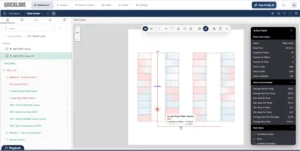
Mapping a Locate Rope Water Sensor in AKCP Quicklime
Water leaks are a data center’s worst nightmare, particularly when they happen out of sight beneath raised floors or above drop ceilings. While a standard spot sensor tells you if there is a leak, a Locate Rope Water Sensor tells you exactly where it is along its length.
However, knowing a leak is occurring at the “24-foot mark” of a 100-foot rope isn’t very helpful during an emergency unless that physical distance is visually tied to your actual room layout. In this Quicklime DCIM video tutorial, we demonstrate how to draw and map this specialized sensor directly onto your facility’s digital twin.
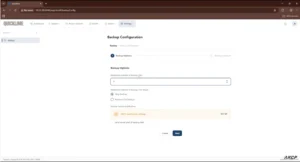
Automate Backups in AKCP Quicklime
When managing a data center, your configuration settings, floor plans, and digital twins are just as critical as the hardware itself. If you are using AKCP Quicklime DCIM to monitor your facility’s power train, thermal efficiency, and access control, you have likely invested significant time into customizing your dashboards and sensor thresholds.
Protecting that work is essential. In AKCP’s recent tutorial video, they walk through the essential process of securing your data by creating manual backups and setting up automated schedules.
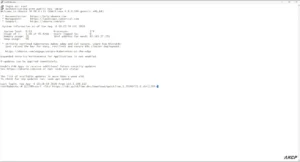
Installing AKCP Quicklime on Linux
While many users run Quicklime on Windows, Linux remains a favorite for robust, headless server deployments. In this video tutorial, we walk you through the process of installing Quicklime on a Linux system. Here is a breakdown of how to get your environment up and running.
Before you begin, ensure you have a compatible Linux environment. AKCP officially recommends Ubuntu Linux for this installation. You can run these commands directly on the machine or perform a headless installation remotely via SSH.
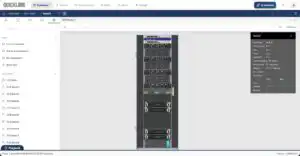
Creating Custom Asset Types
At AKCP, we built Quicklime DCIM to eliminate guesswork. To ensure your AI-driven sensorCFD™ and environmental analytics operate on razor-sharp physical facts, Quicklime allows you to build, animate, and deploy highly specific custom assets directly into your 3D floor plan.
Watch the full engineering tutorial below, and read on for a step-by-step breakdown of how to customize your racks.
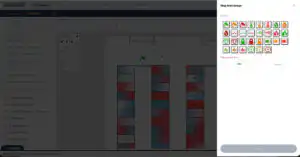
Adding Custom Map Icons
Visualizing your data center infrastructure shouldn’t feel like looking at a generic blueprint. When monitoring critical environments, clarity is everything. The faster you can identify a specific rack, sensor, or cooling unit on your map, the faster you can respond to potential issues.
That is why the mapping feature in AKCP Quicklime DCIM is built for flexibility—including the ability to upload and implement your own custom icons.
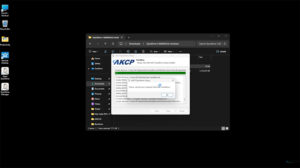
Quicklime Windows Installation
In this video tutorial we will take a look at how to install and do the initial setup of Quicklime on Windows Operating System.